Signal
by Ashutosh Patole
Your WiFi is slow. Now you can prove why.
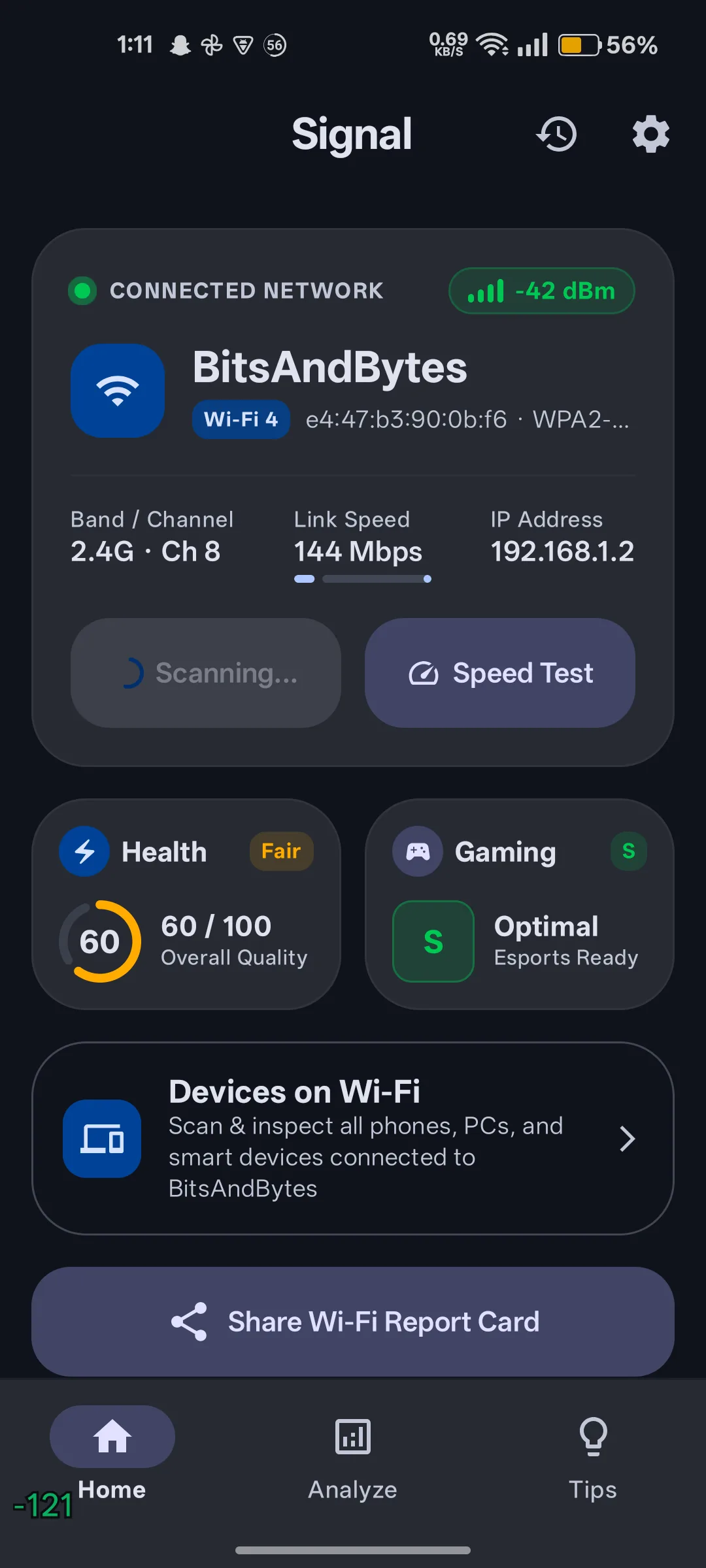
Signal scans every nearby access point, scores your network out of 100, and names the exact channel to switch to. No ads, no tracking, no account, all offline.
- No ads. No tracking. No account.
- Everything runs offline on your phone
- Free on Google Play
Capabilities
Everything it measures
Built for people who want an answer, not a dashboard. Every number below is computed on-device.
Hardware scan engine
Probes 2.4 GHz, 5 GHz and 6 GHz (WiFi 6E/7) networks with real-time RSSI signal strength, grouped by BSSID rather than merged by name.
Interference canvas
Visualises real bandwidth overlap across 20, 40, 80 and 160 MHz channels, so you can see exactly which neighbouring networks overlap yours.
Cleanest-channel recommendation
Calculates the least congested channel in your immediate airspace and tells you which one to move to.
Offline vendor lookup
Identifies over 120 router and phone manufacturers straight from the MAC address using a bundled OUI table. No internet connection required.
Multi-stream speed test
Measures true download and upload bandwidth with parallel streams, alongside your negotiated transmit and receive link rates.
Gaming server ping
Measures latency, jitter and packet loss against Valorant, BGMI, CODM, Fortnite, Cloudflare and Google DNS, plus any custom server you add.
Bufferbloat detection
Runs a latency test under sustained load to reveal routers whose buffer memory is adding lag while you download.
Security audit and rogue APs
Flags open, WEP and WPA-TIP as critical, marks WPA3-SAE and OWE as secure, and uses evil-twin heuristics to catch access points impersonating your network.
LAN device scanner
Discovers the phones, PCs and smart devices on your subnet via mDNS and UPnP, and tests gateway responsiveness and DNS resolver latency.
Screens
The whole answer on one screen
Process
Three taps to an answer
01
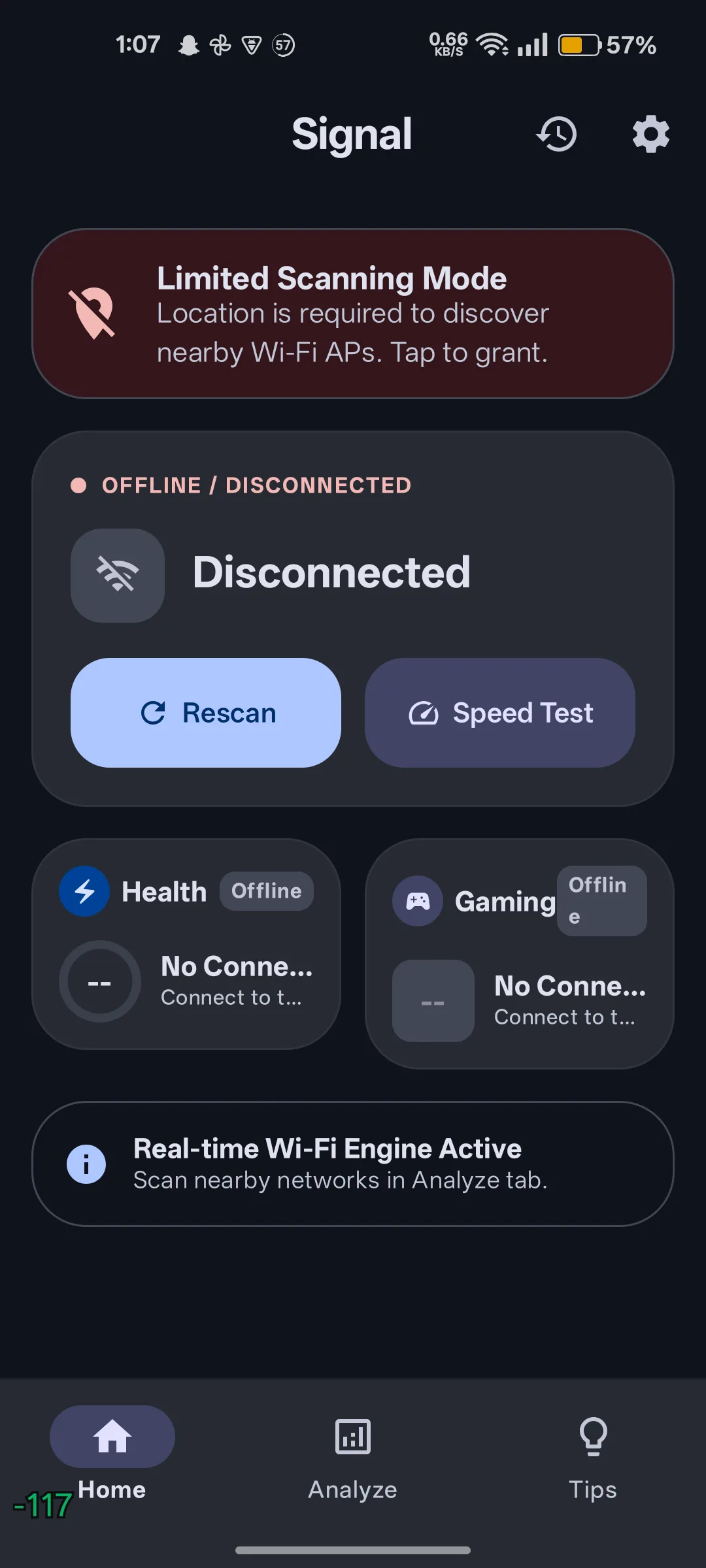
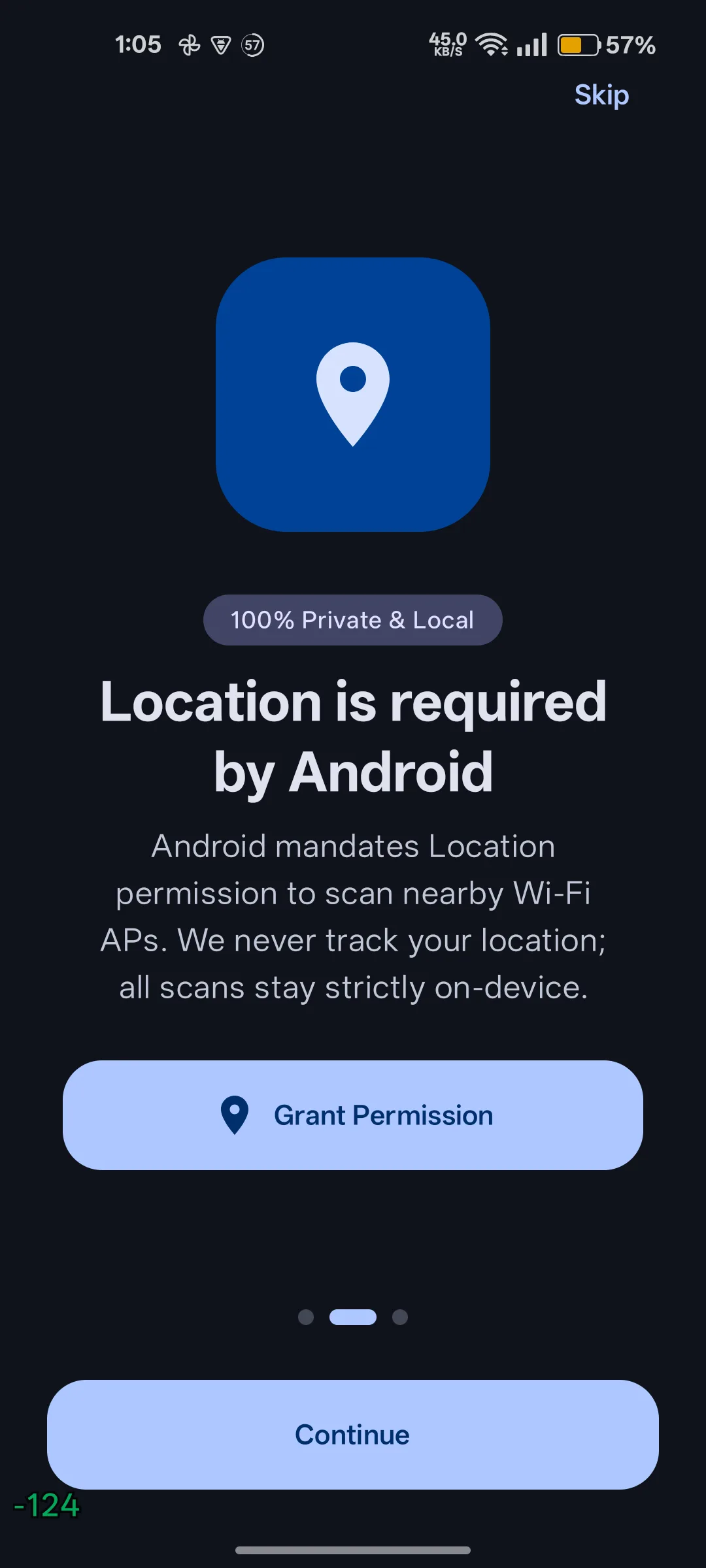
Grant location, once
Android requires location permission to return WiFi scan results. Signal never records or uploads your coordinates.
02
Run a scan
Signal sweeps every access point in range and reads signal strength, channel, width, security and vendor.
03
Act on the tips
Get a ranked list of the changes that will actually help — channel migration, band steering, narrowing 2.4 GHz, isolating IoT devices.
Use cases
Who reaches for it
Competitive gamers
Ping spikes at peak hours and you don't know whether it's the game or the WiFi.
An S/A/B/C gaming grade from ping, jitter and packet loss, plus bufferbloat detection.
Flat sharers
Your neighbours' access points overlap your channel and everyone gets slower.
A cleanest-channel recommendation for your immediate airspace.
Anyone on public WiFi
You join a café network and want to know if it's actually encrypted.
A protocol audit that flags open, WEP and WPA-TIP, and hunts evil twins.
Router buyers
A new router advertises 1200 Mbps but your phone negotiates 144.
Real negotiated Tx/Rx link rates instead of the number on the box.
Details
Specifications
- Platform
- Android 8.1 and above
- Price
- Free, no ads
- Account required
- No
- Works offline
- Yes, except speed test
- Built with
- Kotlin, Jetpack Compose, Material 3 Expressive
- Data collected
- None
Privacy
Signal collects nothing and shares nothing. No tracking SDKs, no analytics, no Firebase, no advertising identifiers. Every analysis, chart, vendor lookup and security audit runs locally on your device. The only internet access happens when you explicitly start a speed test.
Questions
FAQ
Does Signal need my location permission?
Android requires location permission to return WiFi scan results. Signal never records or uploads your coordinates, and you can decline — the rest of the app still works in a reduced mode.
Is Signal a WiFi password cracking tool?
No. Signal is a network diagnostic tool. It reads channels, signal strength and security protocols, but it cannot recover passwords and has no phishing functionality.
Why does my speed test need internet access?
Only the speed test touches the network. Scanning, channel maths, vendor lookup, scoring and the security audit are all computed locally on your device.
How is the health score weighted?
Signal strength carries 40%, channel congestion 25%, link speed and latency 20%, and security 15%. The weighting is published in the app so you can disagree with it.
Signal
Your WiFi is slow. Now you can prove why.
Signal scans every nearby access point on the 2.4, 5 and 6 GHz bands, scores your network from 0-100, and tells you the exact channel to switch to.
Last updated 2 October 2026